How it works
A single progressive link from description to deliverable
Loopdraft is a vertical documentation tool for control engineers. Every output is an illustrative, reference-only draft that a competent engineer must review before use — the studio speeds the drafting, it does not replace engineering judgement.
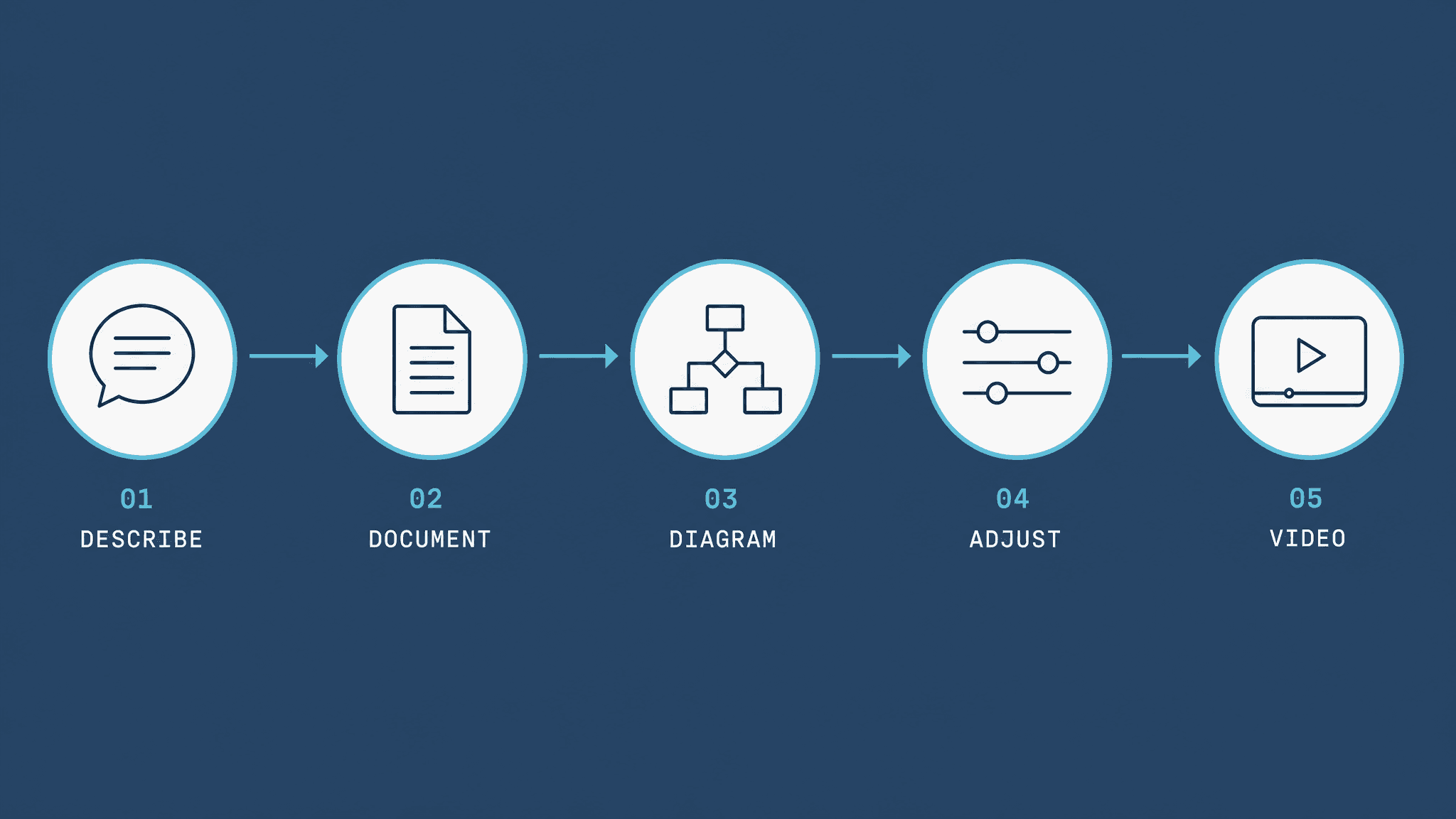
Describe the loop or process
State the process type, the equipment, the selector logic, the signal types (DI/DO/AI/AO) and any interlocks. Plain language is enough — the studio is tuned to control and automation vocabulary.
Generate structured documentation
Loopdraft produces a Sequence of Operations, an I/O list, a Tag Register and a Cause & Effect draft, each carrying a reference-only, engineer-review stamp.
Confirm the structure with a diagram
A matched illustrative diagram is docked next to the document — control loop, P&ID snippet, I/O terminal wiring, panel arrangement, pump set or conveyor sequence.
Adjust tags, signals and interlocks
Add or rename tags, change signal types or add interlocks, and regenerate. The document and diagram update to match.
Export or produce a sequence video
Export the document as Markdown or JSON. On the Studio plan, produce a Sequence-of-Operations video explainer in 16:9 and 9:16 for training and hand-over.
AI disclaimer
Loopdraft outputs are AI-assisted, illustrative reference documents and diagrams — not certified or stamped engineering drawings, professional engineering opinions, or functional-safety (SIL) assessments. They must be reviewed and signed off by a competent, qualified engineer before any design, construction, installation, certification or compliance use. See the full AI Disclaimer.